Features
Everything your AI agent needs to manage work
22 MCP tools, a rules engine, activity tracking, and dashboards built for humans to observe autonomous AI.
Dashboard
Full visibility into AI work
Projects, lists, board views, activity feeds, and real-time task tracking. See exactly what your AI is doing, what it completed, and what's next.
-01_Sidebar.png)
Smart Lists
Auto-filtered views that matter
Inbox, Today, Overdue, AI Tasks, Done — smart lists keep you focused on what's important without manual filtering.
-03_Today.png)
AI Tasks
See what Claude is working on
Dedicated view for tasks assigned to your AI agent. Watch it plan, execute, add notes, and complete work autonomously.
-05_AITasks.png)
Task Detail
Plans, notes, and full context
Each task can have an MDX plan, AI notes, activity history, subtasks, due dates, and GitHub issue links. Your AI writes the plans; you review them.
-06_TaskDetail.png)
Mobile
Native iOS with full feature parity
Swipe to complete, context menus, inline editing, push notifications for due dates. Not a wrapper — a real native app with NavigationSplitView and Apple Pencil support on iPad.
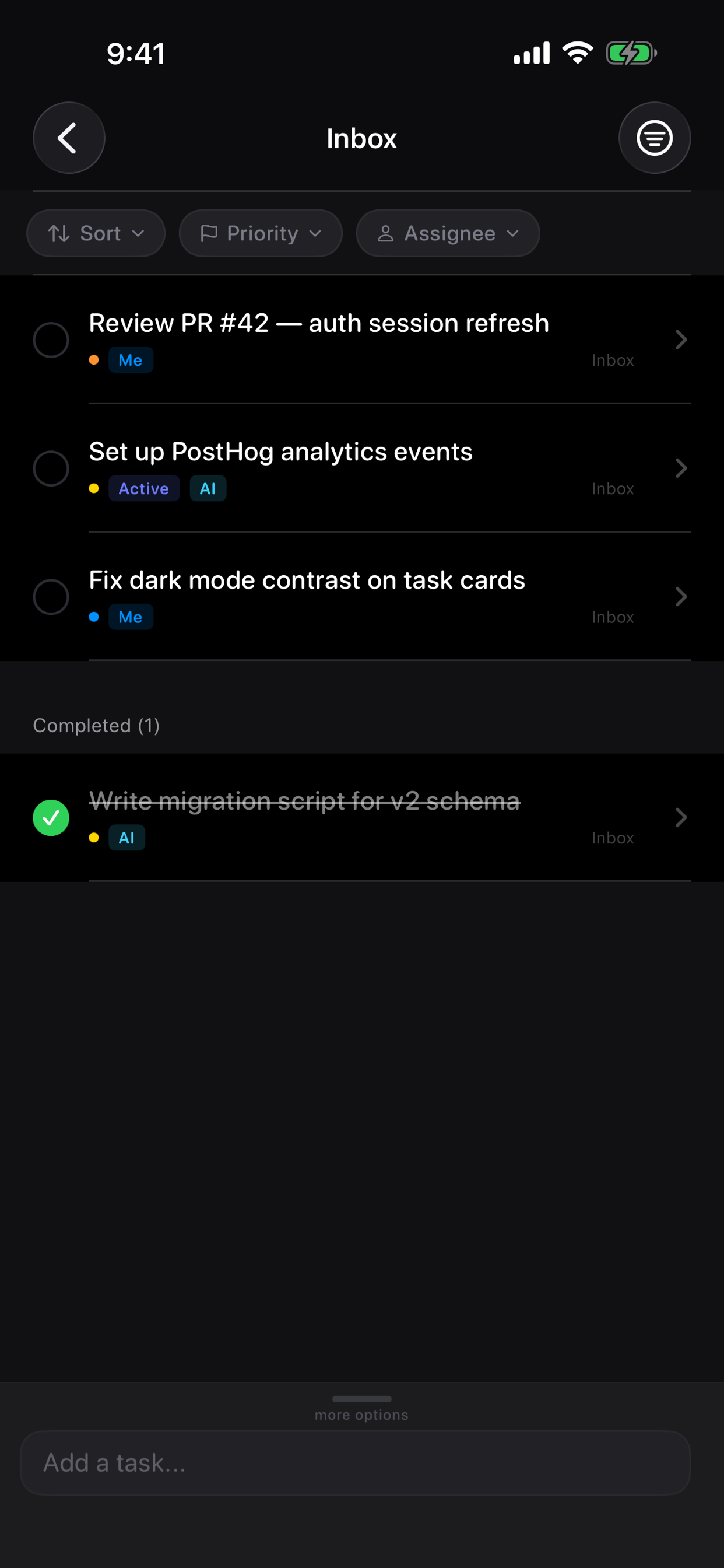
iOS App
Every view, designed for touch
Tap through each screen to see the full iOS experience.
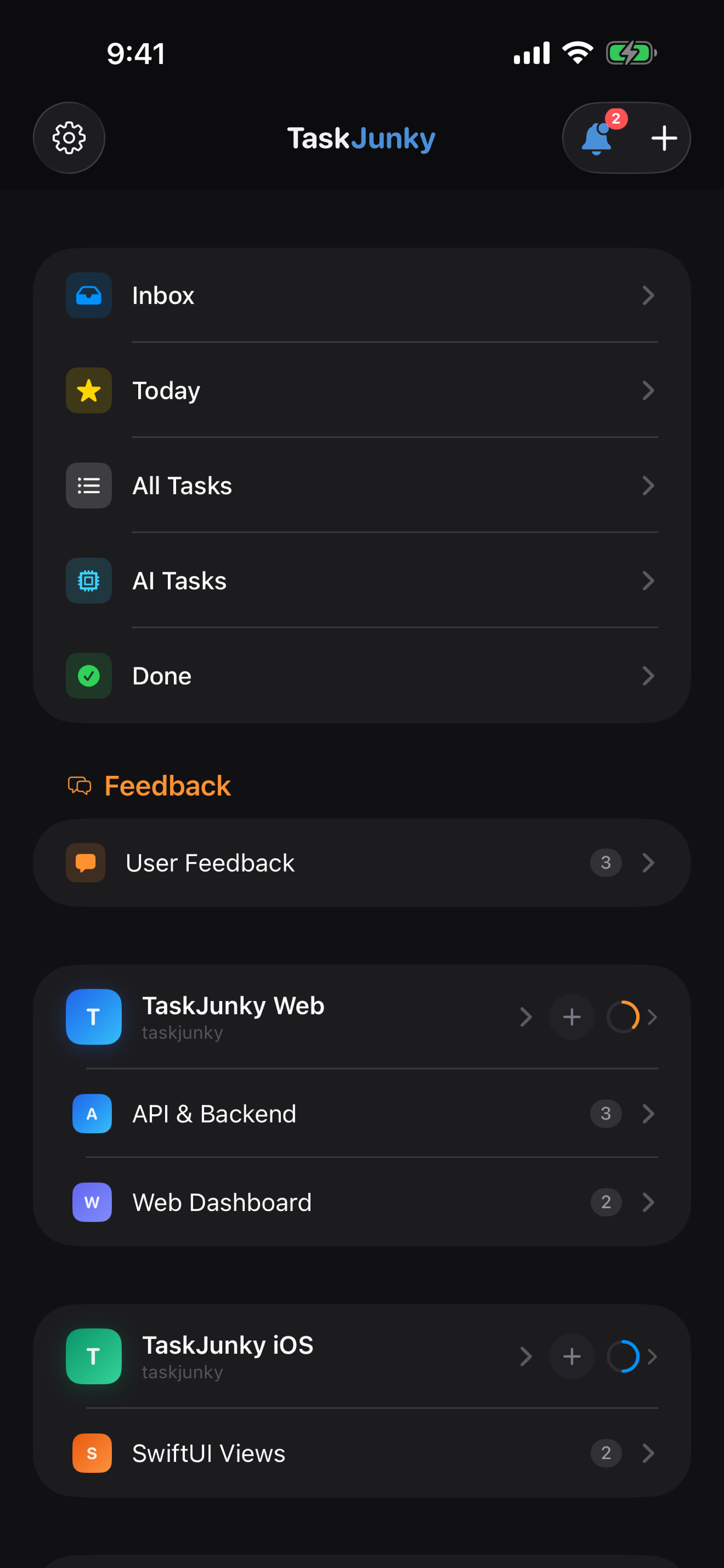
MCP Tools
22 tools your AI can call
Every tool supports name-based resolution — your AI never needs to look up IDs. Just say the project name, list name, or search by task title.
Projects & Lists
list_projectscreate_projectupdate_projectarchive_projectlist_listscreate_listupdate_listarchive_listTasks
list_taskscreate_taskupdate_taskcomplete_taskdelete_taskbulk_create_tasksadd_noteset_planRules & Activity
get_rulescreate_ruleupdate_rulelog_activityget_activityReady to connect your AI?
One config line. 22 tools. Immediate productivity.